

- Developer
- WhatsApp LLC
- Installs
- 10B+
- Downloads
- 3
- Views
- 19
- Updated
- Oct 16, 2026
Screenshots
About WhatsApp Messenger
WhatsApp Messenger – Simple, Secure, and Reliable Communication
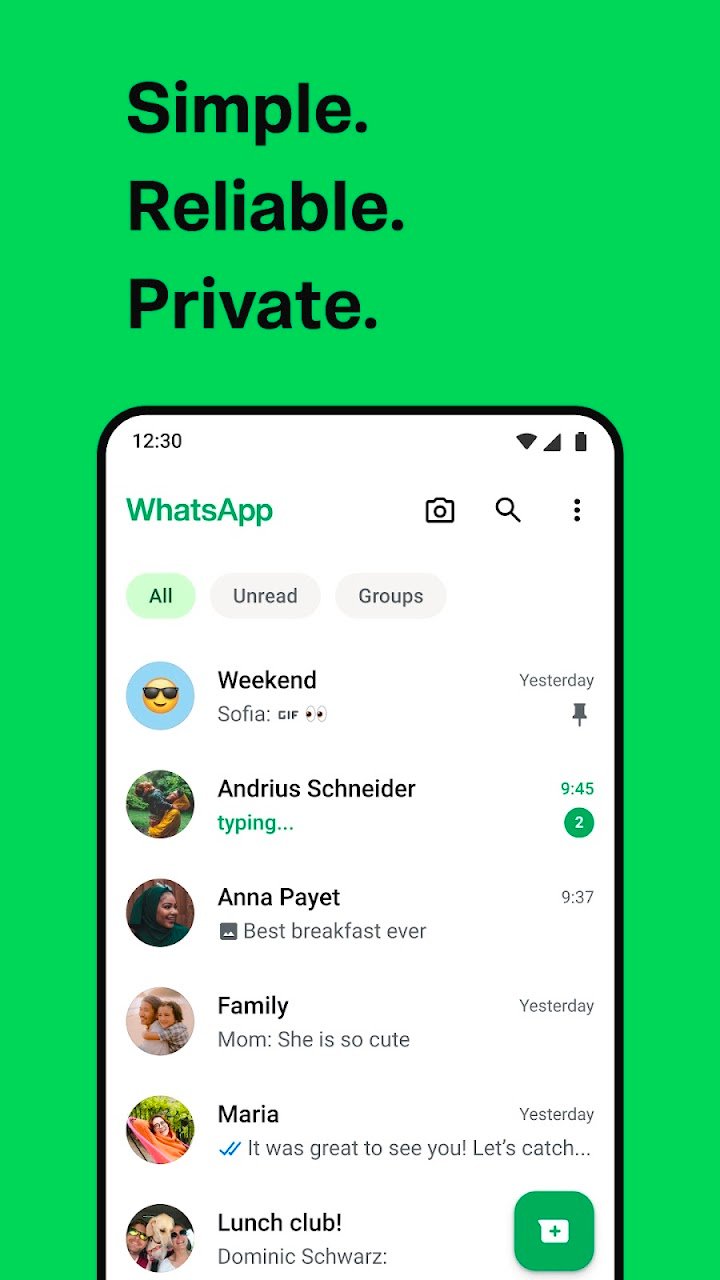
WhatsApp Messenger by Meta is a free messaging and video-calling app that helps you stay connected with friends, family, and colleagues around the world. Used by billions of people across more than 180 countries, WhatsApp makes it easy to send messages, share photos and videos, make calls, and stay in touch from your phone or computer.
With a simple interface, reliable performance, and privacy-focused features, WhatsApp makes everyday communication quick and convenient—even when your internet connection is slow. There are no subscription fees for using the basic messaging and calling features, although data charges may apply.
🔒 Private Messaging Around the World
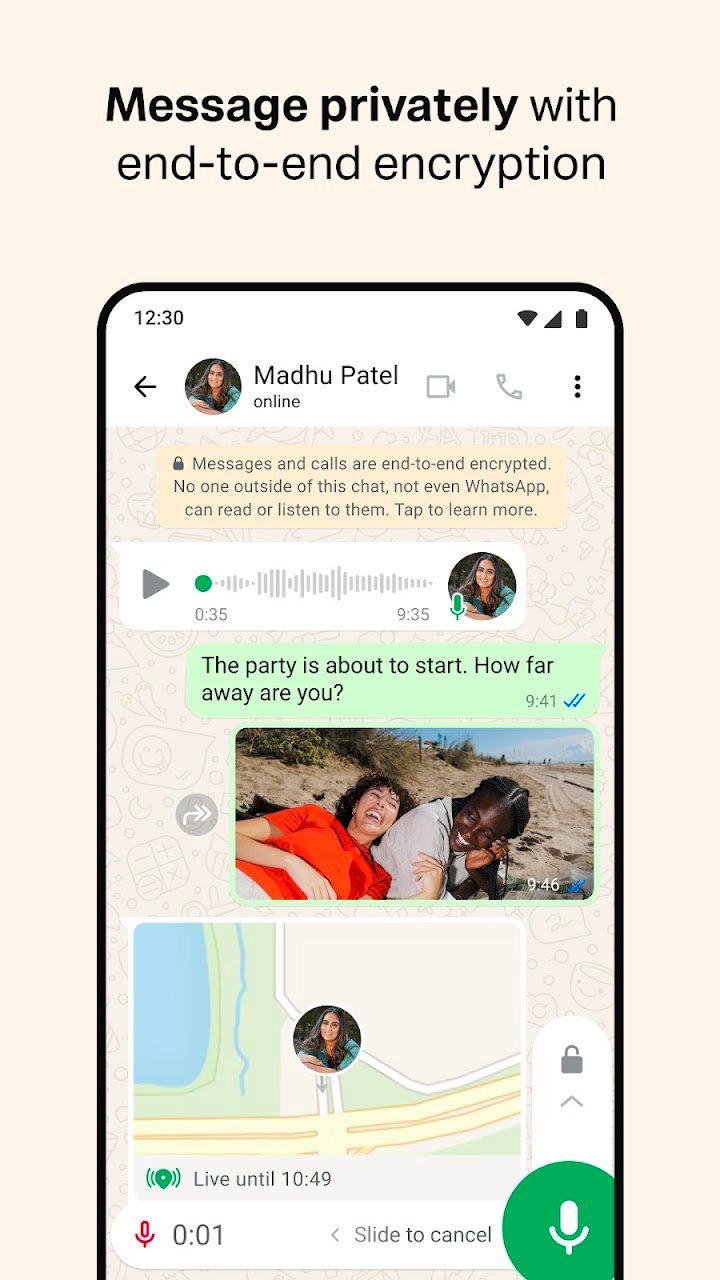
Your personal messages and calls are protected with end-to-end encryption by default. This means that only you and the people you're communicating with can read or listen to your private conversations—not even WhatsApp can access their contents.
📱 Easy Setup and Quick Connections
Getting started with WhatsApp is simple. Register using your phone number, verify your account, and connect with people in your contacts who use the app. You don't need to create a separate username to begin chatting.
📞 Free Voice and Video Calls
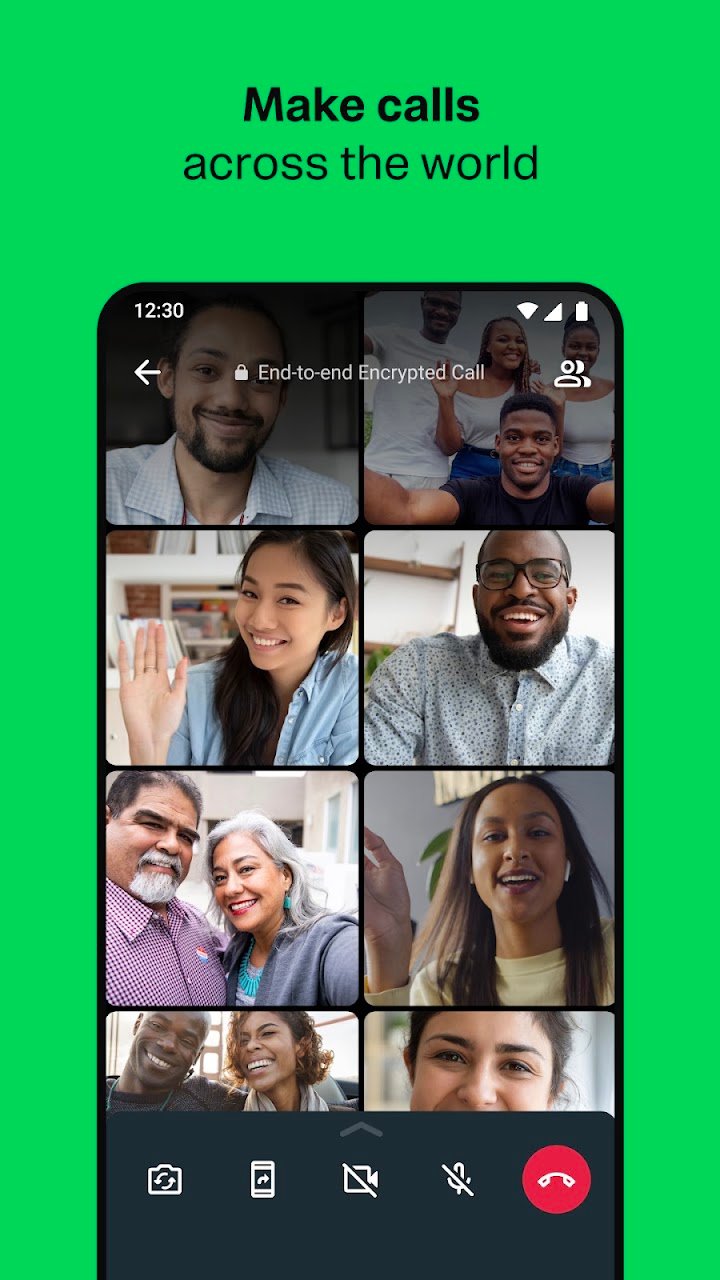
Stay close to the people who matter with WhatsApp voice and video calls. You can make calls over the internet and connect with up to 32 participants in supported group calls.
Whether you're catching up with family, talking to friends, or having a quick team discussion, WhatsApp makes it easy to communicate across compatible mobile devices and supported platforms.
👥 Group Chats for Everyone
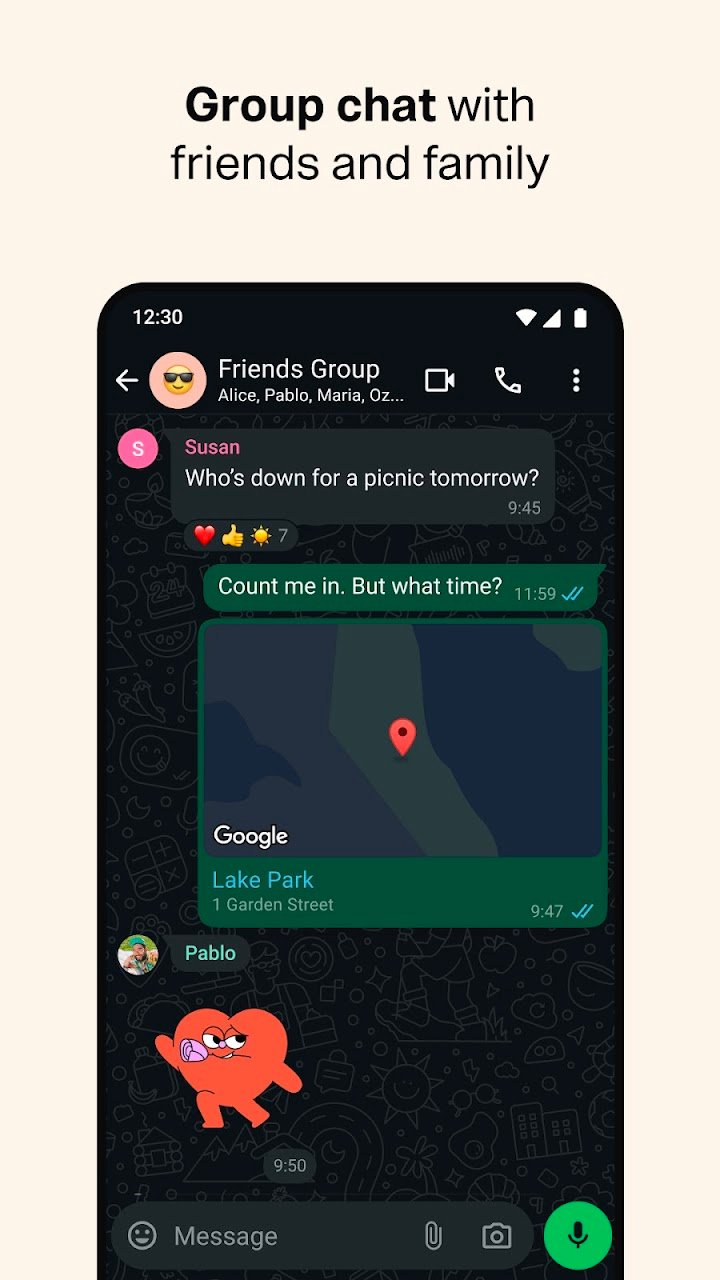
Bring friends, family members, or colleagues together in one place with group chats. Share messages, photos, videos, documents, and other files without switching between different apps.
Group chats are also protected by end-to-end encryption, helping keep your private conversations secure.
📍 Stay Connected in Real Time
WhatsApp offers convenient ways to share updates and communicate throughout the day.
- Location Sharing: Share your live location with individuals or groups when needed, and stop sharing whenever you choose.
- Voice Messages: Record and send voice messages when typing isn't convenient.
- File Sharing: Send documents, photos, videos, and other supported files to your contacts.
- Everyday Communication: Quickly exchange messages and stay updated with the people in your life.
🟢 Share Moments with Status
WhatsApp Status lets you share photos, videos, text, and GIFs with your contacts. Status updates disappear after 24 hours, making them a simple way to share everyday moments without sending individual messages.
You can also choose who gets to see your updates by adjusting your Status privacy settings.
⌚ WhatsApp on Wear OS
Stay connected even when your phone isn't in your hand. With WhatsApp on compatible Wear OS smartwatches, you can read and reply to messages, send voice messages, and handle supported calls directly from your wrist.
Tiles and complications also make it easier to access chats and messaging features quickly.
🌐 Reliable Messaging Across Devices
WhatsApp works on compatible smartphones, desktop computers, and other supported devices. Its straightforward design helps you keep conversations going at home, at work, or while traveling.
You can send messages, make calls, and share important updates without paying a separate WhatsApp subscription fee for basic use. Your mobile carrier or internet provider may still charge for data usage.
Why Choose WhatsApp?
WhatsApp combines private messaging, voice and video calls, group conversations, location sharing, and Status updates in one easy-to-use app. Whether you're checking in with family, sharing important documents, or catching up with friends, it helps you stay connected wherever you are.
Download WhatsApp Messenger and enjoy simple, secure communication with the people who matter most.
Contact and Support
If you have questions or need assistance, open WhatsApp and go to Settings → Help → Contact Us.
Useful Links
- [WhatsApp Terms of Service](https://www.whatsapp.com/legal/terms-of-service)
- [WhatsApp Privacy Information](https://www.whatsapp.com/privacy)
- [WhatsApp Safety and Security](https://www.whatsapp.com/security)
Note: Phone-number verification may involve SMS charges in some regions. Data charges may apply depending on your mobile or internet provider. Features and availability can vary by device and region.

